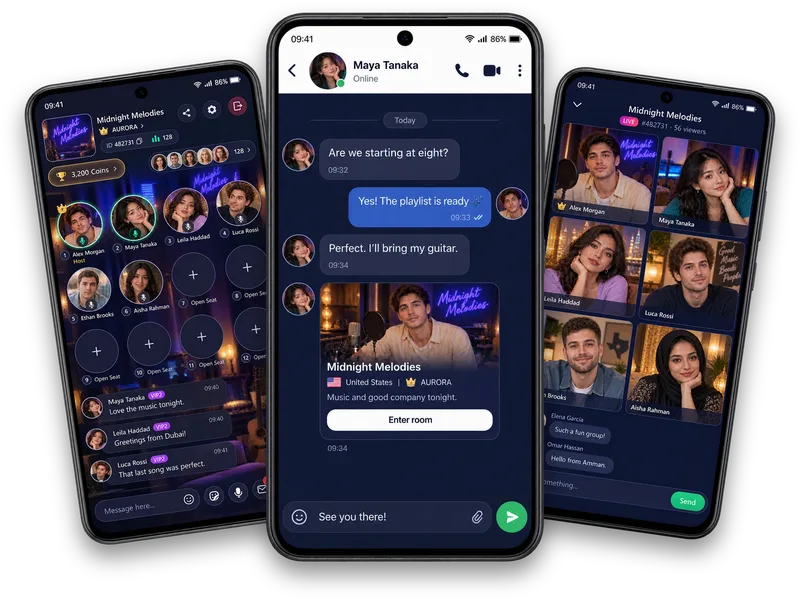
Host the soundtrack
Music broadcasting lets the room host select songs for the shared experience.
A soundtrack for the room
Join a Vozzo Audio Room where the host is sharing music, talk about a favourite track and enjoy listening together online. Music brings a shared interest into the room while the host manages playback.
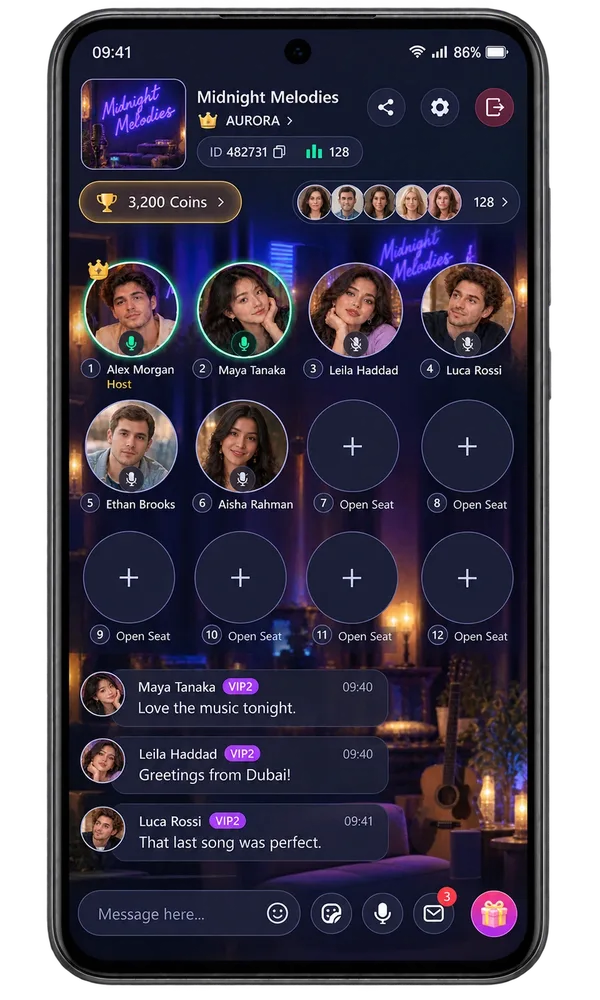
Music together
Music broadcasting lets the room host select songs for the shared experience.
Listen alongside the voices and room chat that make a live room feel social.
A favourite song can start a story, lift the energy or make room for a slower catch-up.
Make it your experience
Ask why a track matters to someone, compare favourite artists or discover something new. Music gives different people a shared starting point.
Questions, answered
The room host selects the music being broadcast.
Only broadcast music you have the right or permission to use. Keep the volume and conversation comfortable for the people in the room.
Continue with Live Audio Rooms & Voice Chat Rooms, How Live Audio Rooms Work, How to Host a Live Audio Room.
Browse the full guides hub to explore another topic.
Take your people with you
See the live video, messaging and community features, then check official app download details for your next step.
Get Vozzo