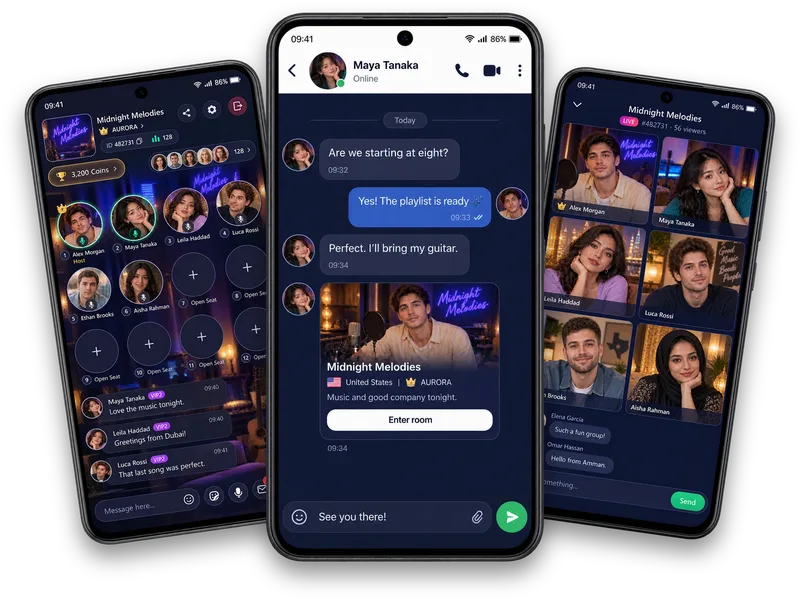
Talk one to one
Move from an accepted direct conversation to an available audio or video call. Ask whether it is a good time before calling.
Make time for a proper catch-up
Catch up with a friend through a private Vozzo audio or video call. Check the calling access available to your account, and explore microphone mute, audio output, screen sharing and Voice FX in connected audio calls.
Personal calls
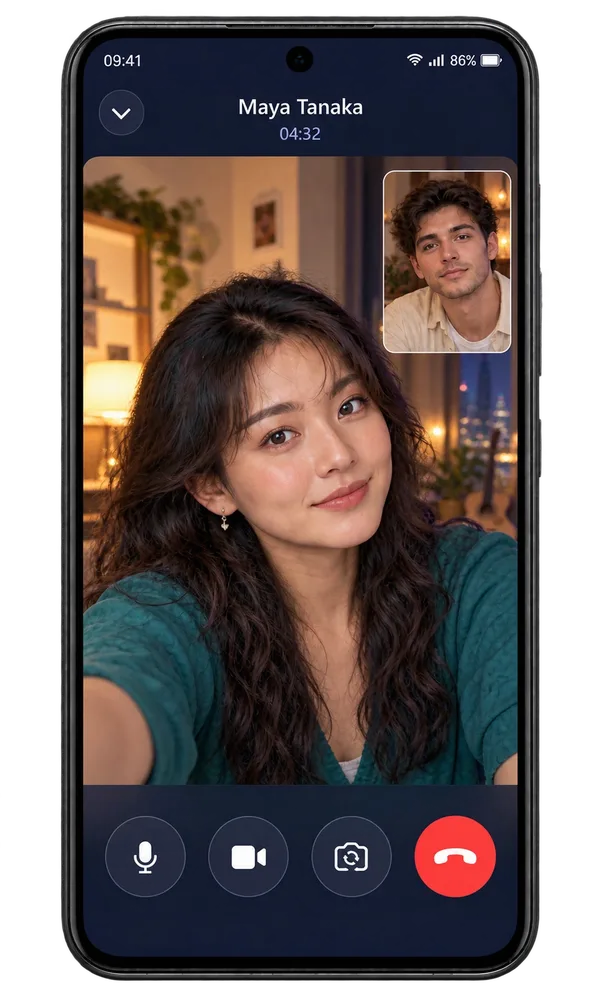
Move from an accepted direct conversation to an available audio or video call. Ask whether it is a good time before calling.
Choose an audio output, mute your microphone or explore Voice FX during a connected audio call.
Start screen sharing when you need to show something, check what is visible and end the call whenever you need to.
Make it your experience
Whether it is a quick check-in or a longer conversation, respect the other person's pace. Calling access follows your account privileges; VIP checkout is currently a disabled preview.
Make it personal
A personal call is its own kind of room, just the two of you. Check the calling access available to your account before starting. VIP checkout is currently a disabled preview.
Questions, answered
Spend time together by voice and choose the audio output that suits you. A connected call includes microphone mute, screen sharing, Voice FX and an end-call action. Voice FX cycles through the options available in the app. Screen sharing begins only when you start it; check what is visible before sharing and respect the other person's privacy.
A live room brings people together around a shared topic, while a private Vozzo call suits a one-to-one catch-up. Choose between group voice chat and a personal call, and agree on boundaries before calling.
Explore all live streaming guides for related topics.
Take your people with you
See the live video, messaging and community features, then check official app download details for your next step.
Get Vozzo