Avatar frames
Give your profile photo a distinctive border while keeping you at the centre.
Make your presence your own
Explore expressive frames, entrance effects, text bubbles and finishing touches that give your Vozzo presence its own character.
Explore the details
Give your profile photo a distinctive border while keeping you at the centre.
Add an expressive arrival to your room experience.
Bring a different look to the messages you share.
Explore small details that add character to your presence.
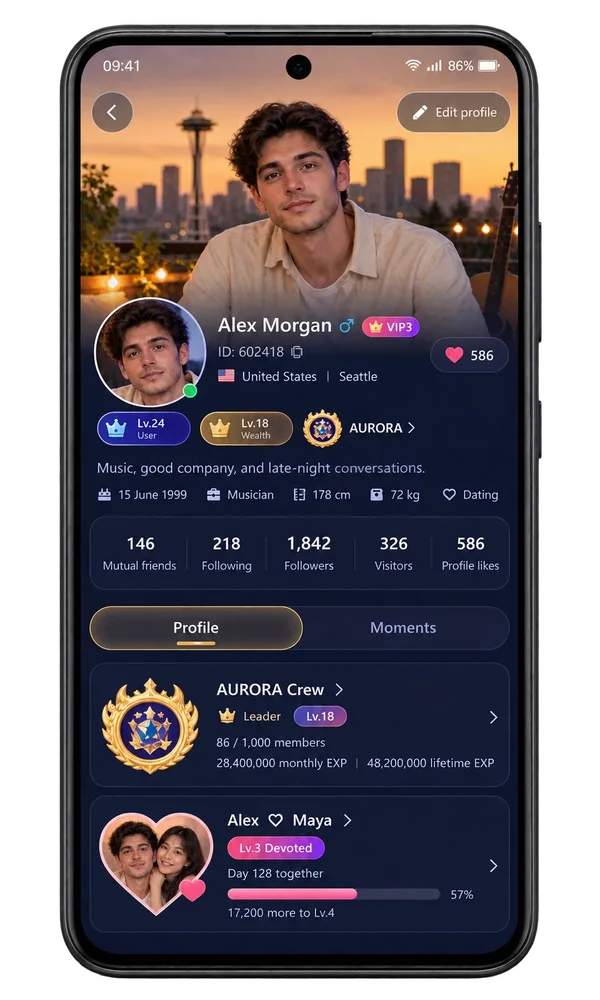
Give your identity and introduction a considered visual setting.
Find cosmetics you own, review their duration and choose what to equip or stop using.
These previews introduce the visual experience. Open the app for the styles available to your account and any applicable access or coin details.
Questions, answered
Find a detail that feels like you. Browse the Store categories, preview an item and review the Coin amount and duration shown for the offer. Buy or Send actions depend on the item's availability and your ownership. An item already in your collection is different from an offer you have not acquired.
Open Backpack to see your acquired items, their expiry information and whether they are equipped. Using identifies the item currently active; Cancel use lets you stop using it. Check an item's remaining entitlement before choosing it again. Store discovery and Backpack ownership work together to make your presence personal.
Privilege Settings shows the controls your account is entitled to use and saves the preferences you select. Make the available benefits fit how you want to appear and connect. Previewing a privilege is different from owning or activating it; review your account's membership and entitlement status when an option is unavailable.
Take your people with you
See the live video, messaging and community features, then check official app download details for your next step.
Get Vozzo