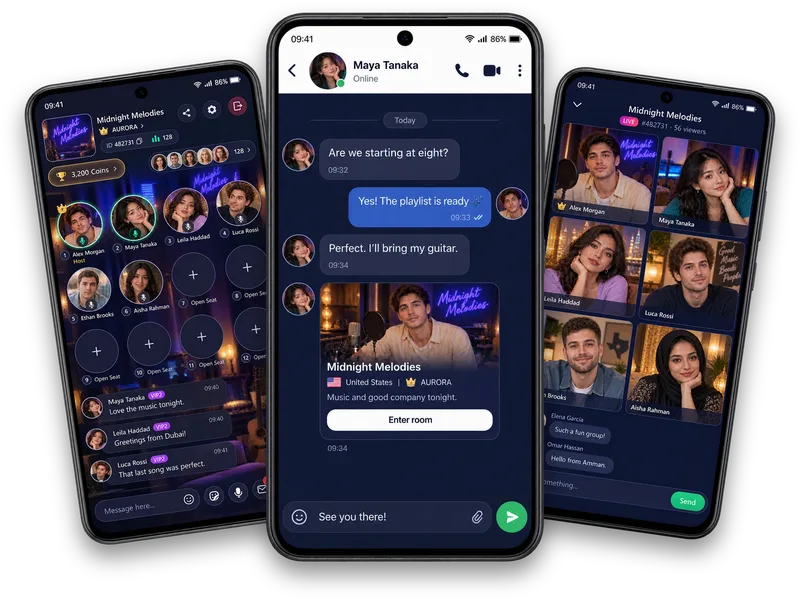
An inbox that makes sense
Move between All, Friends, Family, Official and Requests to find the people and updates you want.
A good hello deserves a follow-up
Keep in touch through Vozzo private messaging and Family group chats. Find friends, accepted conversations, official updates and message requests in one inbox, then share messages, attachments or a room.
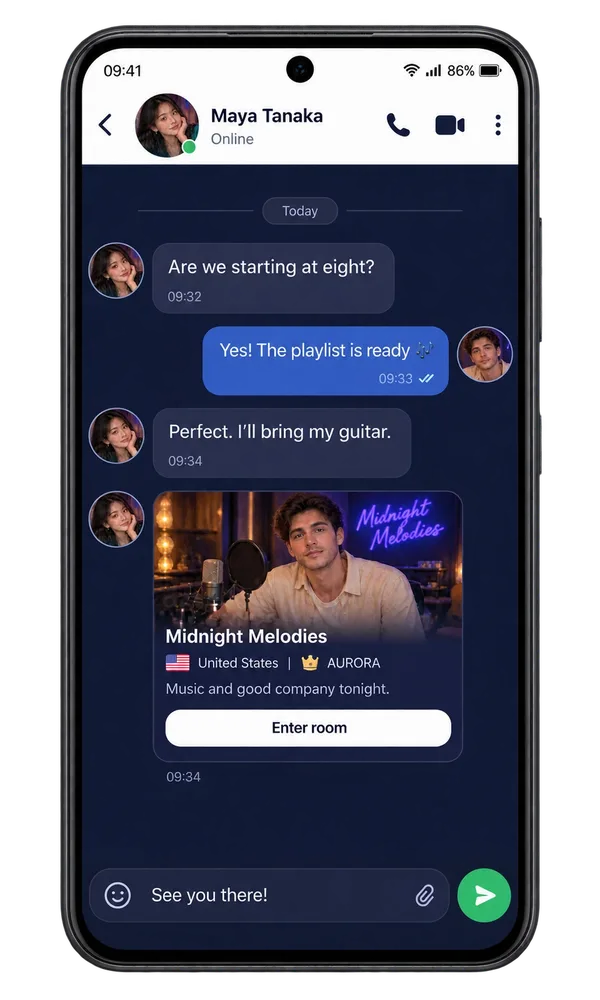
Messages
Move between All, Friends, Family, Official and Requests to find the people and updates you want.
Review incoming requests and use Accept or Restrict. An accepted conversation has its own message and sharing controls.
Send messages and attachments, share a room and find call entry points in accepted direct conversations.
Make it your experience
Pick up a chat with a friend or check in with your Family between live rooms. A separate notification inbox helps you catch account and community updates without confusing them with unread messages.
Worth holding onto
A video chat, a photo worth sharing and a message that keeps the day going. Messages give the good moments somewhere to stay.
Questions, answered
Find the conversation you want through All, Friends, Family, Official and Requests. Friends and accepted conversations stay separate from incoming requests, where you can use Accept or Restrict. Family chats keep community conversations together. Message indicators and notification indicators help you catch up on different kinds of updates.
The notification inbox keeps account and community updates together. Search for an update, follow its destination or use the available mark-all-read and clear actions when you are caught up. Notification unread counts and chat unread counts describe different things, so clearing one does not mean every conversation has been read.
Keep a good connection going with messages, attachments, shared-room cards and the call entry points shown in your conversation. Timestamps and delivery status help you follow the exchange. An incoming request has its own acceptance controls before the normal conversation opens. Your private messages stay in the app; this website does not display your inbox.
A shared room can give a private conversation its starting point. Explore friendship through shared interests and agree on boundaries before exchanging files or moving to a call.
Explore all live streaming guides for related topics.
Take your people with you
See the live video, messaging and community features, then check official app download details for your next step.
Get Vozzo