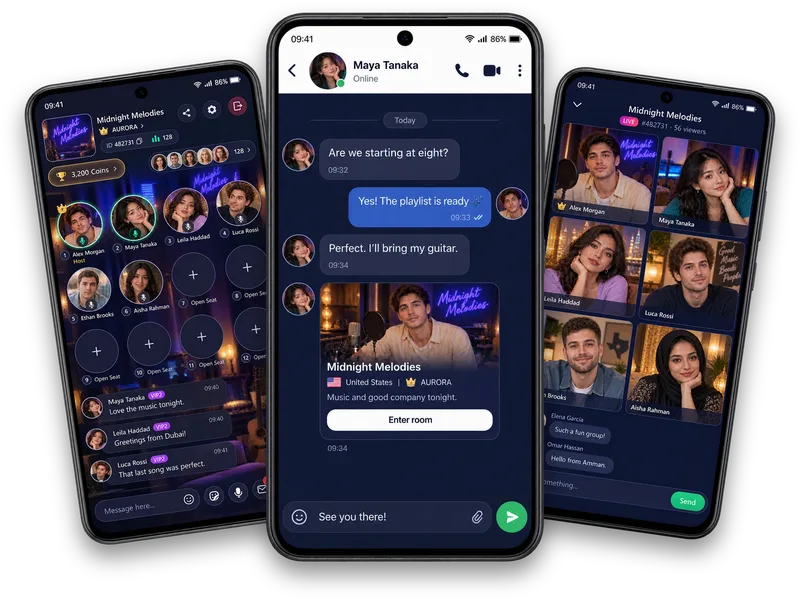
Choose your conversations
Review message requests and use Accept or Restrict. Manage blocked accounts and use the available unblock action if your choice changes.
Make room for your boundaries
Manage Vozzo message requests, blocked accounts, privacy preferences and device permissions. Find the account and security settings that help you choose how people contact you and what you share.
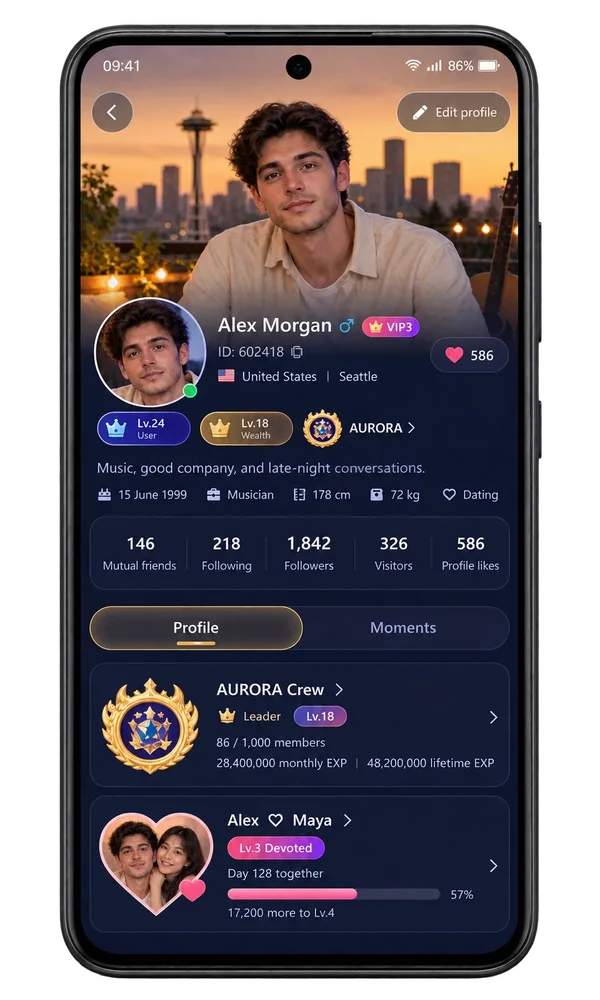
Privacy controls
Review message requests and use Accept or Restrict. Manage blocked accounts and use the available unblock action if your choice changes.
Check password, email, Google connection and device sessions in Account and Security.
Explore Privacy Settings, language and message notifications. Your phone permissions and in-app preferences are separate controls.
Make it your experience
Keep passwords, login codes and sensitive personal details private. Choose what you post and what you share on a call. Read the app Privacy Policy for data handling and contact Help when you need support.
Questions, answered
Open Privacy Settings in the app for the account preferences and device-permission entries available to you. Review phone permissions separately when directed to system settings. Read the app Privacy Policy for data-handling information.
Review incoming message requests, use Accept or Restrict and manage blocked accounts through Blacklist. You can leave a conversation and contact Help when you need support.
Use Help or email support@vozzo.org with a clear account or privacy request. Do not include passwords, one-time login codes or complete payment-card details.
Find account security and device help, read practical live chat safety guidance, and use official Vozzo support when you need help with your settings.
Explore all live streaming guides for related topics.
Take your people with you
See the live video, messaging and community features, then check official app download details for your next step.
Get Vozzo