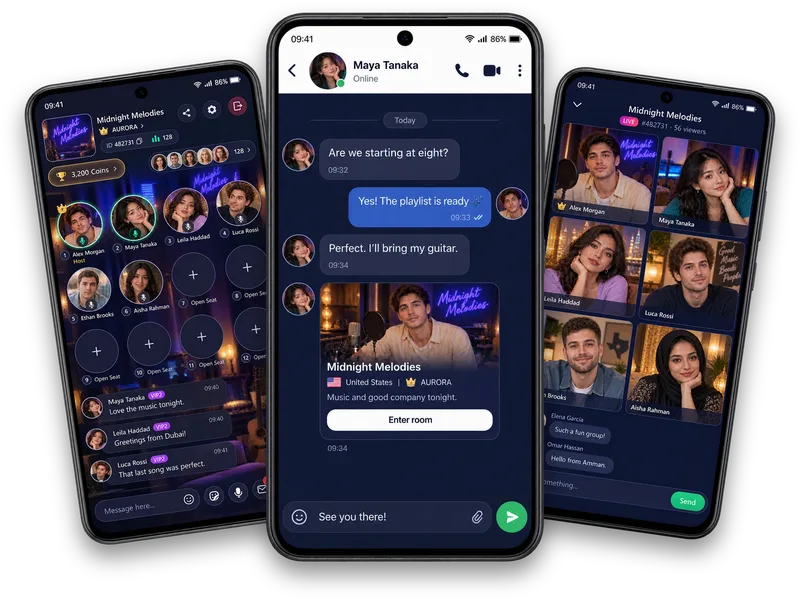
Know your balance
The wallet brings your virtual Coins and available recharge, history and conversion options together.
Virtual items, clearly explained
Coins and Diamonds are virtual units used inside Vozzo. Review Coin recharge, gifts, wallet records and reward tasks, and check the current conditions before buying or claiming. They are separate from approved host pay and business programmes.
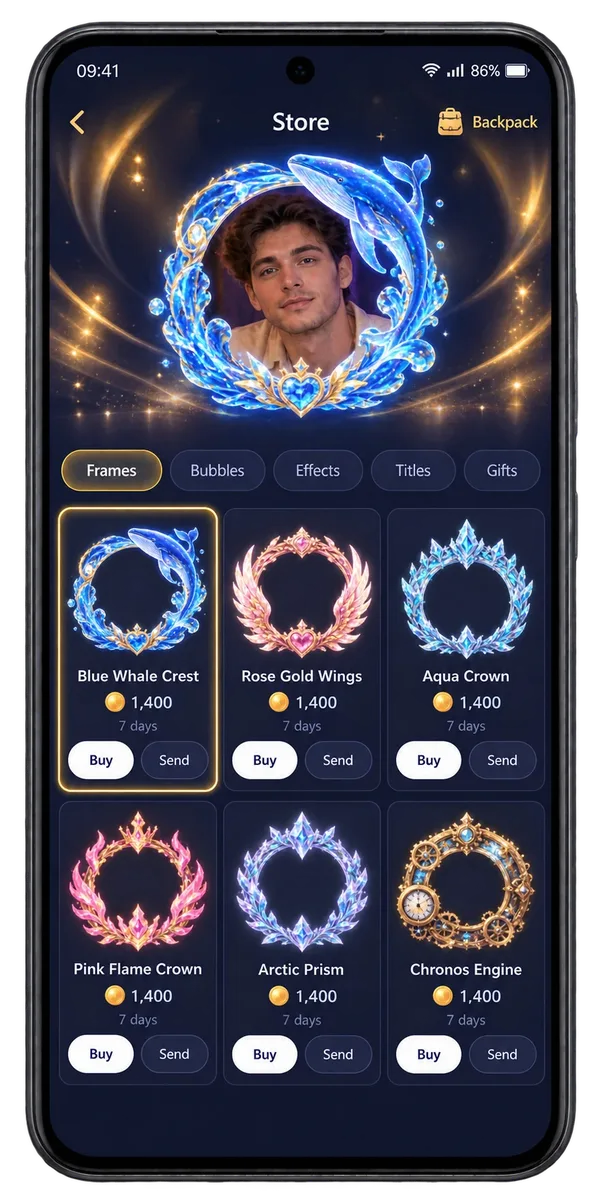
Coins & rewards
The wallet brings your virtual Coins and available recharge, history and conversion options together.
Select a Coin package in the app and check its actual billing price before continuing. This website does not sell packages.
Read task and invitation conditions, track progress and claim only when the app confirms eligibility.
Make it your experience
Diamonds are grouped by Audio, Solo, Party and platform rewards, with earned, converted and available totals. Coins and Diamonds are virtual app units. They are not cash balances or a promise of income.
Host pay, agency partnerships and approved Coin selling are separate programmes with their own written terms. Personal Coins and Diamonds remain virtual in-app units.
Explore earning opportunitiesQuestions, answered
Check your virtual Coin balance and use the recharge, history and conversion options available to your account. Coins help you take part in in-app experiences such as gifts and cosmetics. Keep track of the amounts and rules in the app. Coins and Diamonds are virtual app units, rather than bank deposits or cash balances.
Open Recharge, compare the packages available to your account and select the amount you want. Review the actual billing price before continuing to checkout. Package contents and payment prices are different kinds of information; the app's checkout supplies the price that applies. This website does not sell Coins or publish invented package prices.
The Sources view separates Diamonds from Audio, Solo, Party and platform rewards, alongside earned, converted and available totals. Check those views to understand your own balance and the conversion options available in the app. Diamonds remain virtual units under the app's rules; they are not a promise of money or a cash withdrawal.
Explore the tasks currently offered to your account, including invitation, hosting, on-mic and recharge-related conditions. Read each requirement, follow your progress and claim a reward when it becomes eligible. Completing a task and claiming its reward are separate steps. Rewards can include Diamonds; unavailable activities such as Team PK are not presented as operating reward programmes.
Share the invitation code or link available in the app and follow your invitation progress. Read the current programme conditions before expecting a reward: eligibility depends on the configured requirements and qualifying activity. Sharing a link or receiving a click is not the same as completing those requirements. Invite someone for the connection, and check rewards separately.
Understand what your balance represents. Read what Coins and Diamonds are, explore how virtual gifts use Coins, and visit host pay and business applications for separate programme terms.
Explore all live streaming guides for related topics.
Take your people with you
See the live video, messaging and community features, then check official app download details for your next step.
Get Vozzo