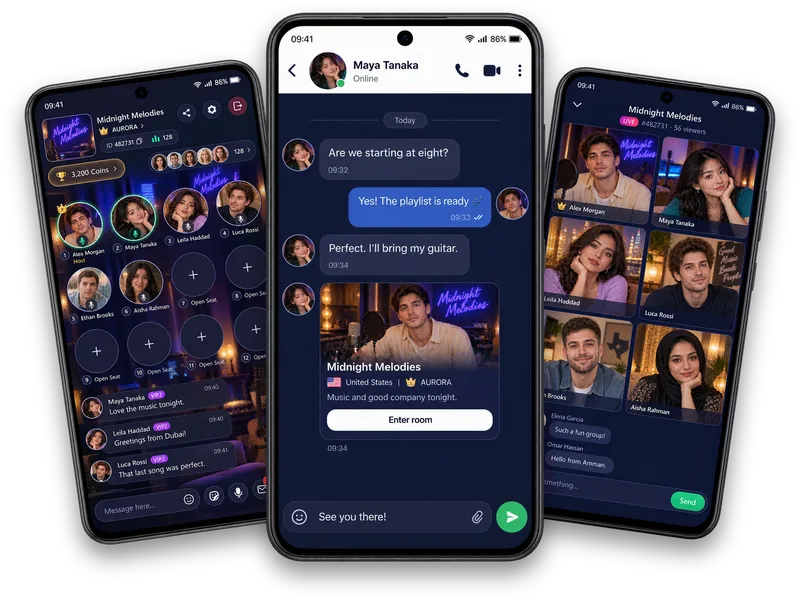
Join Vozzo
Start with email or Google. The first screen links to the Terms and the Privacy Policy so you can read them before you continue.
Getting started
Learn how to sign in to Vozzo with email or Google, set up your profile and understand account verification. Review the steps for a first visit and the additional requirements for hosting as the app prepares for launch.
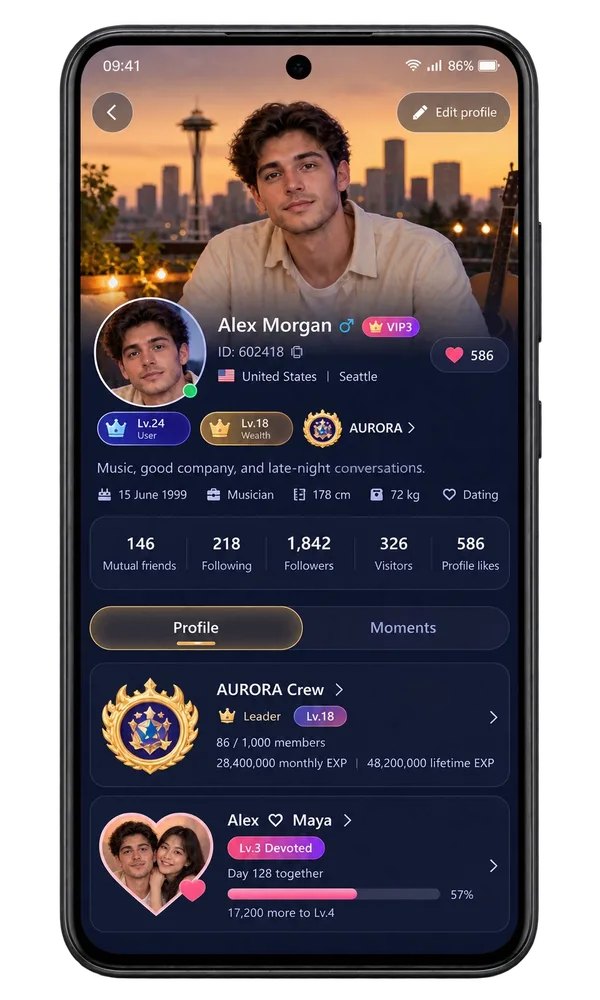
Your first steps
Start with email or Google. The first screen links to the Terms and the Privacy Policy so you can read them before you continue.
Return to your conversations with an email address or username. If you forget your password, use the recovery option in the app. Never share your password with anyone, including Vozzo support.
Introduce yourself with a nickname, birth date, country and gender. An invite code is optional. The app marks details that cannot be changed later before you submit them.
The Authentication Center shows your face-verification status and whether your Google account is connected. Not every account is verified.
Before the camera opens, read how selfie review works, how your privacy is handled and the age requirements for hosting. Vozzo is an adult platform for people aged 18 and over.
Take a selfie and submit it through the app. Follow the Selfie, Review and Verified steps and check your account status. Preparing a selfie is different from receiving approval.
If you want to host, the app checks face authentication, a live cover and the required Wealth level before an application can be submitted. Acceptance is not automatic.
Good to know
This website explains how accounts work. Sign-in, verification and account settings take place inside the Vozzo app, and the website never asks for your password or a login code.
Questions, answered
Your next connection starts with a choice: email or Google. Read the Terms of Service and Privacy Policy from the welcome screen, then continue with the sign-in method you want to use. Vozzo is preparing for launch; the Get Vozzo page is where official download links will appear when a platform is released.
Use the Login or Register tab in the app. Returning members can sign in with an email address or username and a password. If you have forgotten your password, choose the recovery option. Sign-in and recovery happen in the app; this website and Vozzo support never need your password or a one-time login code.
Choose a nickname and enter your birth date, country and gender. An invitation code is optional. Check the details carefully: the app identifies information that becomes locked before you submit it. Your introduction, profile photo and other editable details give you more ways to express yourself later.
Open the Authentication Center to see your face-verification status and Google connection together. The actions available depend on your account status. A connected Google account and an approved identity review are different things; neither a profile decoration nor a preview means every member has been verified.
The real-person verification notice explains the selfie review, privacy information and age requirements for hosting before the camera opens. Read it before continuing and consult the app Privacy Policy for how information is handled. Verification takes place inside the app, and Vozzo is an adult platform for people aged 18 and over.
Follow the Selfie, Review and Verified steps shown in the app. Taking a picture, submitting it, waiting for review and receiving approval are separate stages. Follow the status and instructions on your account rather than treating the opening screen as an approval. This website does not capture or review verification selfies.
Hosting begins with preparation. Complete face authentication, add a live cover and meet the Wealth level required by the app before submitting your live application. Check the requirements and your application status in the app. Submitting an application does not promise approval or make your room live automatically.
Take your people with you
See the live video, messaging and community features, then check official app download details for your next step.
Get Vozzo