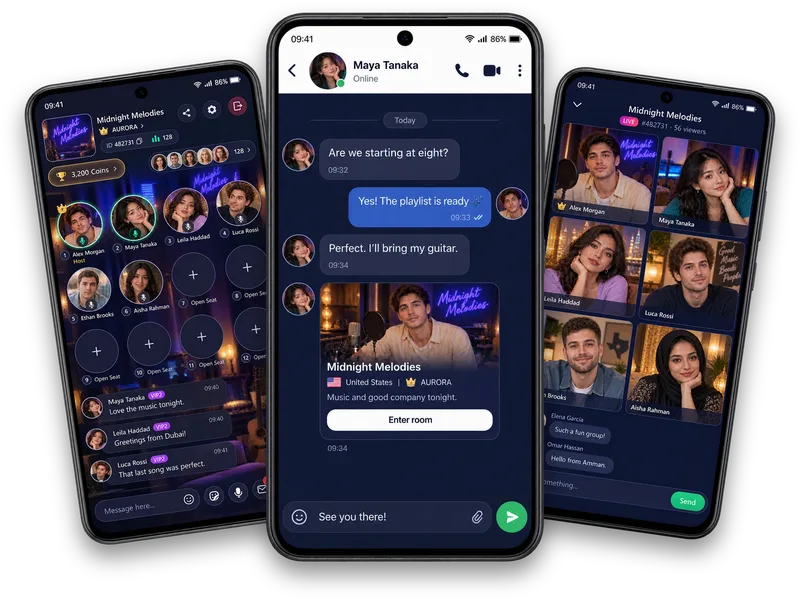
For a personal connection
Mark a conversation or thoughtful moment with a gesture that feels right to you.
A little appreciation, beautifully expressed
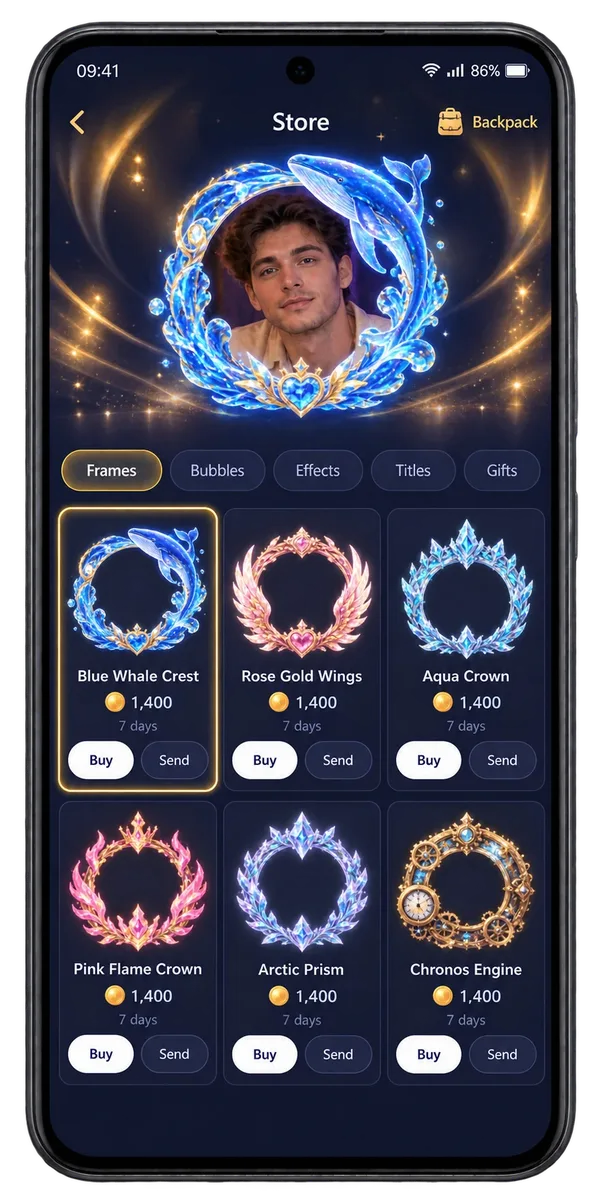
Virtual gifts let you show appreciation to a Vozzo creator or friend. Explore the gift collection, check Coin amounts and choose an optional gesture for a live room or personal connection.
Choose the right gesture
Mark a conversation or thoughtful moment with a gesture that feels right to you.
Show a creator that you enjoyed the personality or performance they brought to the room.
Make an ordinary room moment a little more expressive with the gifts available in the app.
Before you send
Browse the gift collection in Vozzo, review the coin amount and choose the gesture you want to send.
Questions, answered
Gift History celebrates received gifts through artwork and quantities in a collection grid. Browse it to see the gestures that have become part of a profile's story. It is a gift collection, rather than a dated financial ledger. Gift amounts and quantities describe virtual items, not money paid out to the recipient.
A gift can mark a performance or a friendly welcome, but nobody should feel pressured to send one. Read how virtual gifts and coins work and review the coin and purchase guidance before spending.
Explore all live streaming guides for related topics.
Take your people with you
See the live video, messaging and community features, then check official app download details for your next step.
Get Vozzo