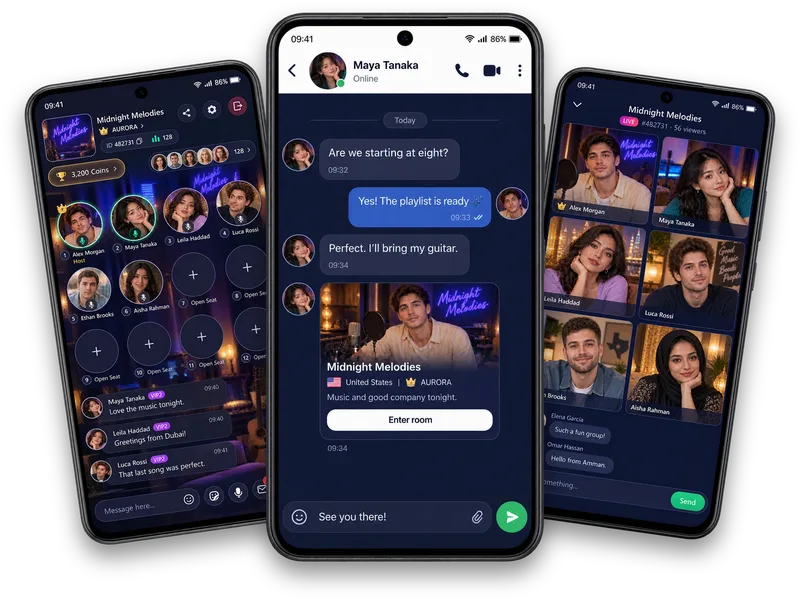
Your membership at a glance
Review your current grade, qualification progress and validity in the VIP center.
Explore membership
Explore Vozzo VIP grades, qualification progress, membership validity and account privileges. See which benefits apply to your account in the VIP center. VIP checkout is currently a disabled preview.
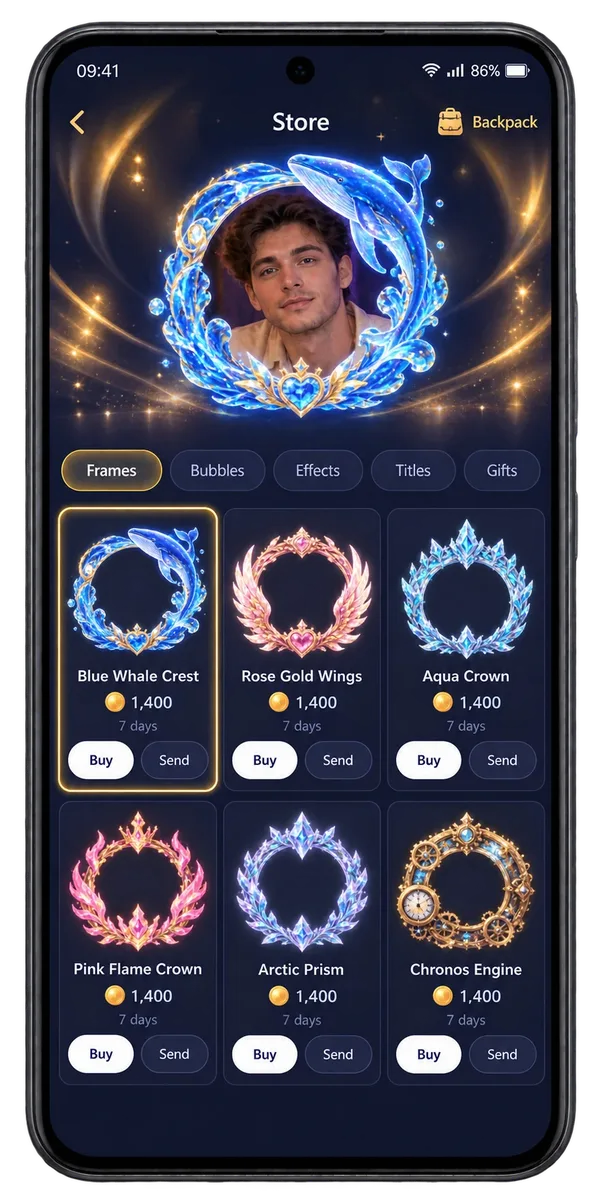
VIP
Review your current grade, qualification progress and validity in the VIP center.
Explore the privilege presentation and distinguish active benefits from locked or previewed ones.
Use Privilege Settings for the entitlement-based controls your account can actually change.
Make it your experience
Explore what membership means without assuming a purchase is available. Read the status and privilege details in the app; a preview does not activate a benefit or complete a checkout.
Questions, answered
Explore your membership status, grade, qualification progress, validity and the privileges described in the app. Review which benefits are active and which are previews before relying on them. VIP checkout is currently a disabled preview, so this page is an introduction to membership rather than an invitation to buy an available VIP plan.
Check the privileges available to your account before choosing a feature. Explore private audio and video calls, profile customisation, and Vozzo support for membership questions.
Explore all live streaming guides for related topics.
Take your people with you
See the live video, messaging and community features, then check official app download details for your next step.
Get Vozzo