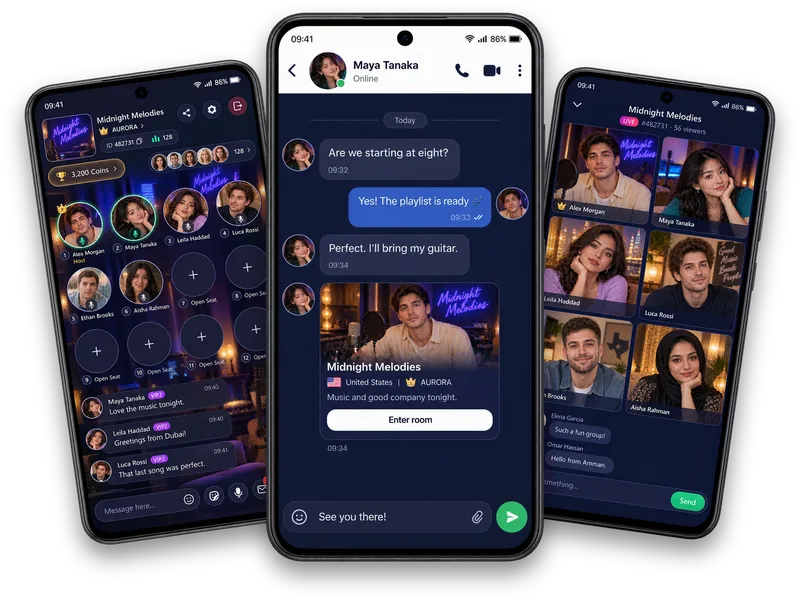
Popular questions · Privacy & comfort
How to stay safe in voice chat.
To use voice chat more safely, keep personal details private, set boundaries, review account controls and leave conversations that pressure you. This guide explains practical steps for rooms, messages and calls.
Keep identifying details out of casual conversation.
Your voice already tells a stranger more than a text profile would — there’s rarely a reason to add your address, workplace, daily routine or financial details on top of that in a room you just joined. Save specifics for people you’ve actually gotten to know over time.
The same goes for anything that could locate you: a distinctive landmark, a school name, a recognisable schedule. None of it is necessary for a good conversation.
Notice pressure before it becomes a problem.
Be cautious of anyone pushing to move a conversation off Vozzo quickly, asking for money or gifts early, or framing a request as urgent and secret. These patterns show up well before anything serious happens, if you’re watching for them.
You are never obligated to explain a “no.” Ending an uncomfortable interaction doesn’t require a justification the other person will accept.
Know your controls before you need them.
Review message requests, blocked accounts, privacy preferences and device permissions before you need them. Use the controls your account makes available and read each confirmation carefully.
If something feels wrong, use blocking and contact in-app Help with what happened. Acting on a bad feeling early is rarely something people regret.
Want to hear how it sounds? Browse live audio rooms and voice chat rooms on Vozzo.
Written by the Vozzo editorial team. Spotted a mistake or want to suggest a correction? Email support@vozzo.org.
Keep reading

Popular questions · Coins and Diamonds
What are Coins and Diamonds?
Short answer: Coins and Diamonds are virtual units that exist only inside Vozzo. Coins are what you use. Diamonds are what a host collects from gifts. Neither is money.

Popular questions · Hosting
How to start a live room on Vozzo
Starting a live room takes two steps: create the room, then choose how to go live. Some preparation comes first, because hosting has requirements.